

Content and Classroom Management Platform
Designed to cater to the diverse needs of students, teachers, and administrators
Administrative tools
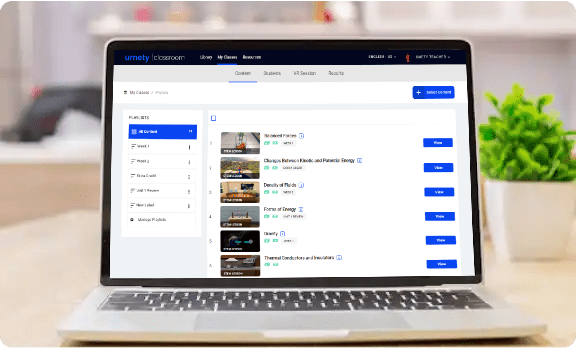
Teachers Tools
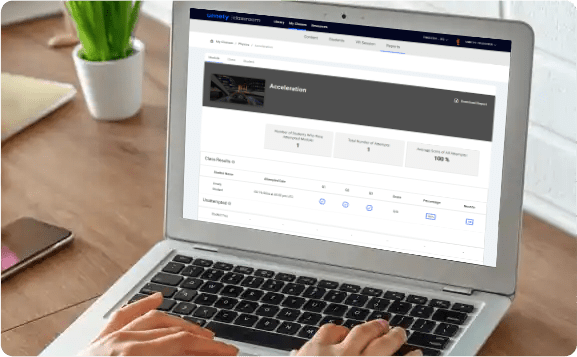
Teacher tools
Our platform allows you to roster your classes in a variety of ways including importing an existing Google classroom class.
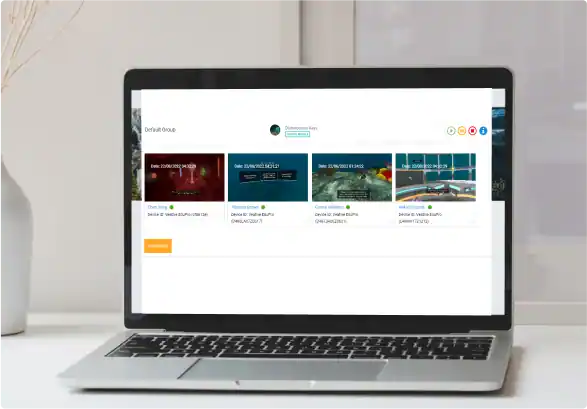
Control and monitor student VR experience
When using Umety’s multicast
feature, teachers can pause
or stop the
module to
maintain control within the
classroom. The monitor
function
also allows a
teacher to see inside a
student headset, to help
orient
them. The
modules are also designed to
not allow the student to
opt
out of that lesson,
as the Back button and Exit
buttons are disabled.
This
affords the
instructor more control.
Control and Monitor Student VR Experience
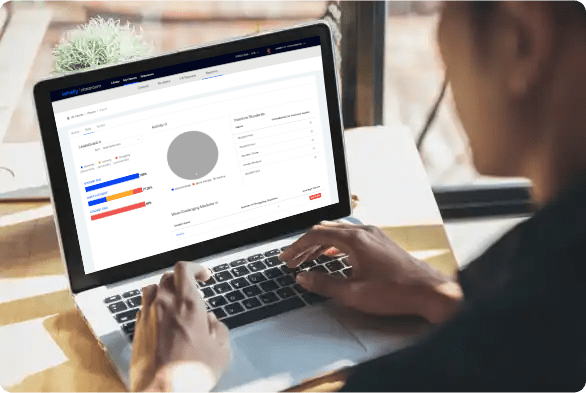
- Leaderboard – List of students enrolled in a class, grouped by their average scores in all modules. One can easily track the number and list of modules that a student has mastered, is learning, struggling with, or hasn’t attempted.
- Activity – This report displays a detailed account of students who are actively attempting modules, within the last seven days.
- Most challenging modules – This shows a list of modules in which students are struggling, along with the average score of the class for that particular module. This is an indicator that there is a class-wide lack of understanding, which is important to know.
- Most attempted modules – Shows a list of modules that the student has attempted the most in the last seven days.
- Assessment accuracy – Tracks the number of questions the student has answered till the present date and how many attempts were made. This can be a good indication of whether a student is missing the answer on the first try, or clicking around and just guessing.